Creating content and personal brand with AI
Capture it once, imperfect and all, then let AI turn it into content worth posting. The workflow, prompts and tools from the session.
Previous sessionStart with a better conversation. Turn what works into a shared Project. Then let Cowork take on the repeatable steps across your working day.
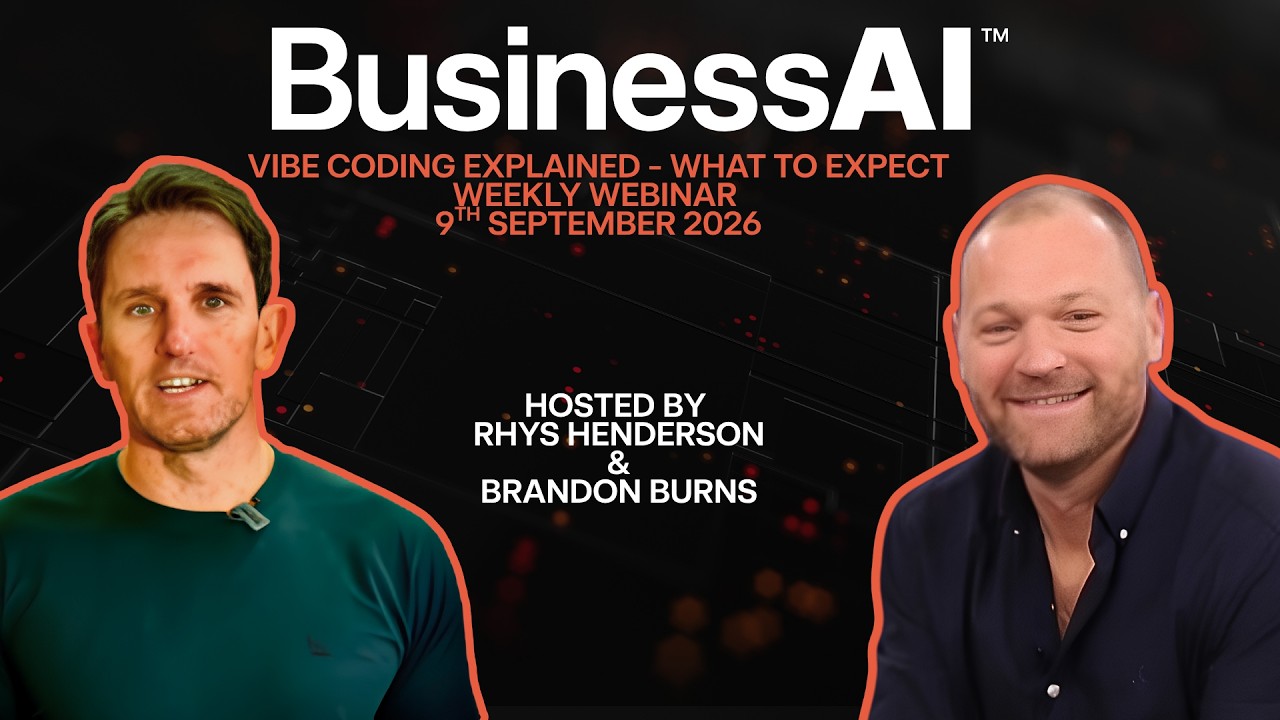
Presented by BusinessAI · 11th June 2026
 Rhys HendersonCEO
 Brandon BurnsHead of Experience
 Josh TelfordSenior AI Consultant
Watch the recording

Follow the live journey from AI fundamentals and better prompts to Projects, Cowork, connected tools and a real marketing strategy build.
Session length
1 hr 49 min
Use the chapter cards below to revisit the ideas and copy the practical prompts.
Open in YouTube5–10%
Early productivity uplift
The session described this as the typical gain from using disconnected AI tools for personal productivity.
30–45%
Workflow redesign ambition
The larger opportunity comes from redesigning connected work, not simply adding another tool.
5 hrs
One weekly target
At the webinar’s illustrative hourly value, five hours recovered each week was framed as $39,000 a year.
1 flow
The place to begin
Choose one repetitive workflow, prove it, then let the gains and learning compound month by month.
The live proposal build showed that better output starts before you press enter. Give Claude a role, the business context, a clear objective, the required format, useful constraints and examples. Then ask it to confirm the plan and question what is missing before it creates anything.
The six-part prompt from the session
Use this as a starting point in Claude’s instructions so every new conversation begins with useful context.
I am [name], the [role] at [business], a [short description of your business and industry].

Our customers are [ideal customers]. What makes our business different is [your advantage, specialty or way of working].

When we work together:
• Ask clarifying questions whenever you do not have enough information.
• Confirm the outcome you think I am trying to achieve before beginning complex work.
• Challenge my assumptions when you see a stronger approach.
• Use plain English and match this tone: [three tone words].
• Do not use [phrases, punctuation or habits you dislike].
• Never invent facts, prices, customer details or claims. Use a clearly labelled placeholder instead.

Treat our conversation like a thoughtful colleague would: helpful, direct and willing to ask questions before acting.
Why this helps: Claude begins every chat knowing who you are, how you work and when it should stop to ask.
Have this ready
Common mistakes
Use voice when typing gets in the way
The session recommends dictating naturally when you can explain a problem faster than you can type it. Review the transcription before sending.
Choose capability for the task
Simple daily work does not always need the most capable model. More complex reasoning and document work may justify a stronger option.
Find friction before tools
Ask where time is lost, margin leaks or people repeat low-complexity decisions. Start there, not with a catalogue of AI products.
Explore, build, then embed
Spend enough time exploring the job, build a narrow version, and only embed or schedule it after the workflow has proved useful.
Give context, not secrets
Use relevant policies, examples and brand material, but keep sensitive information out and establish a clear business policy for AI use.
Control connected access
With connectors, begin with only the permissions required. Read access is often enough for a first report or preparation task.
Keep people on the high-value 20%
Let AI complete the heavy first pass, then use human judgement for quality, exceptions, relationships and final approval.
Challenge the answer
Ask why a plan might fail, where costs could blow out and how a competitor would attack it. AI can test thinking, not only reinforce it.
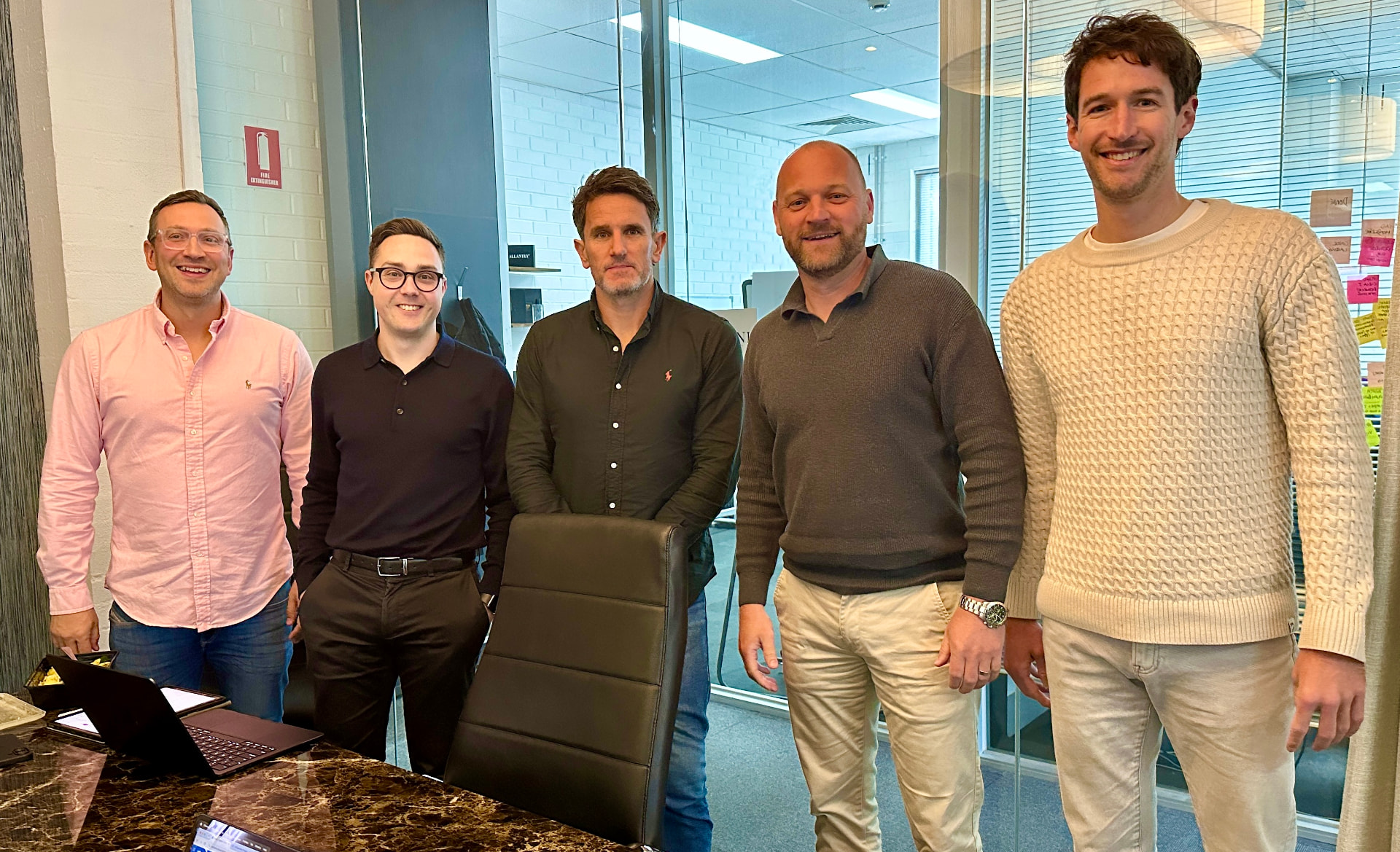
Rhys Henderson set the business context, Brandon Burns guided the hands-on experience, and Josh Telford built the live examples in Claude. Together they moved from first prompt to repeatable workflows and practical automation.
Rhys Henderson · CEO
Brandon Burns · Head of Experience
Josh Telford · Senior AI Consultant
Every Lunch & Learn leaves behind a page you can revisit, with the prompts, steps and examples from the session.
Every week we run an open Q&A call where you can bring a tool, a workflow or a stuck project and get live help. No pitch, just answers.
Your next practical step